
Best 27 Inch Drawing Tablet 2026: XPPen vs Wacom vs Huion
Large-format pen displays have become increasingly common in professional creative workflows. A 27-inch drawing tablet offers a balance between workspace size and usability, allowing artists to work with greater precision while maintaining an efficient desk setup.
This article provides a structured 27-inch drawing tablet comparison of three widely recognized models in this category:
- XPPen Artist Pro 27 (Gen 2)
- Wacom Cintiq Pro 27
- Huion Kamvas Pro 27
The comparison focuses on core specifications, drawing performance, color accuracy, usability, and overall value for professional and advanced users.
Comparison Table: XPPen vs Wacom vs Huion
To provide a clear overview of how these three models compare across key specifications, the table below highlights the most relevant factors for professional users, including display performance, color accuracy, stylus technology, and overall usability.
| Feature | XPPen Artist Pro 27 (Gen 2) | Wacom Cintiq Pro 27 | Huion Kamvas Pro 27 |
| Display Size | 26.9-inch | 26.9-inch | 26.9-inch |
| Resolution | 3840 × 2160 (4K) | 3840 × 2160 | 3840 × 2160 |
| Refresh Rate | 120Hz | 60Hz | 60Hz |
| Response Time | 5ms | 10 ms | 14 ms |
| Color Coverage | 99% sRGB / 99% Adobe RGB / 97% DCI-P3 | 99% Adobe RGB | 99% sRGB |
| Color Accuracy | Delta E < 1 (Calman Verified) | Pantone Validated | Delta E < 1.5 |
| Stylus | Dual X3 Pro Styli (16,384 levels) | Pro Pen 3 (8,192 levels) | PW600 / PW600S;PenTech 4.0 (8,192 levels) |
| Tilt Support | Up to 60° | Up to 60° | Up to 30° |
| Touch Function | Yes (multi-mode) | Yes | Yes |
| Included Stand | Yes | No | No |
| Noise Design | Fanless | Active cooling | Fanless |
| Connectivity | USB-C, HDMI, DisplayPort | USB-C, HDMI | USB-C, HDMI |
| OS Support | Windows, macOS, Android, Linux | Windows, macOS | Windows, macOS |
XPPen Artist Pro 27 (Gen 2)
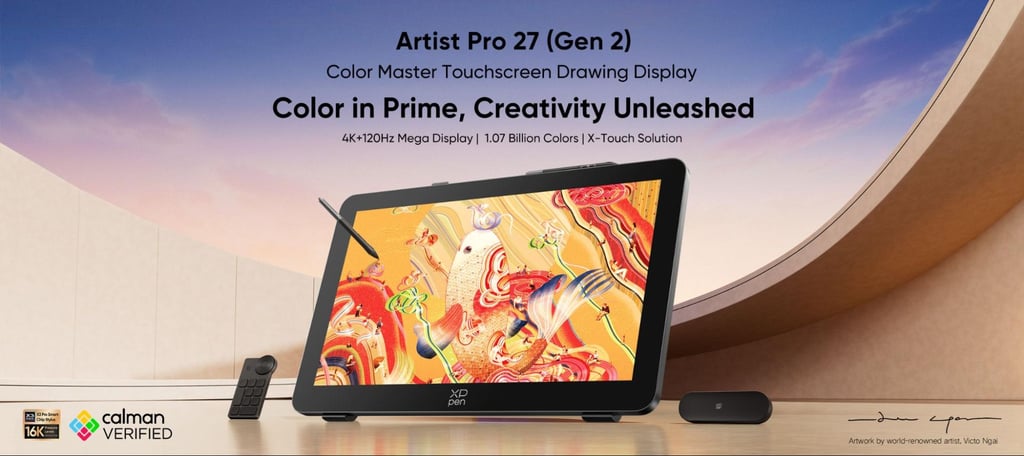
The XPPen Artist Pro 27 (Gen 2), released in March 2026, is positioned as a high-performance pen display designed for professional illustration, animation, and design workflows. It combines high color accuracy, fast refresh rate, and flexible touch interaction in a single device.
Key Considerations
- Color Performance: The combination of wide color gamut and low Delta E supports workflows that require consistent color output, such as print design, concept art, and post-production.
- Refresh Rate and Responsiveness: The 120Hz display offers smoother pen tracking compared to standard 60Hz panels, which may benefit artists working with fast strokes or animation timelines.
- Touch Workflow Control: The X-Touch system allows users to limit or customize touch input areas, which can help reduce accidental inputs during drawing.
Overall, this model integrates several high-end display and input features into a single package, making it relevant for users seeking both precision and workflow efficiency in a large-format setup.
Wacom Cintiq Pro 27
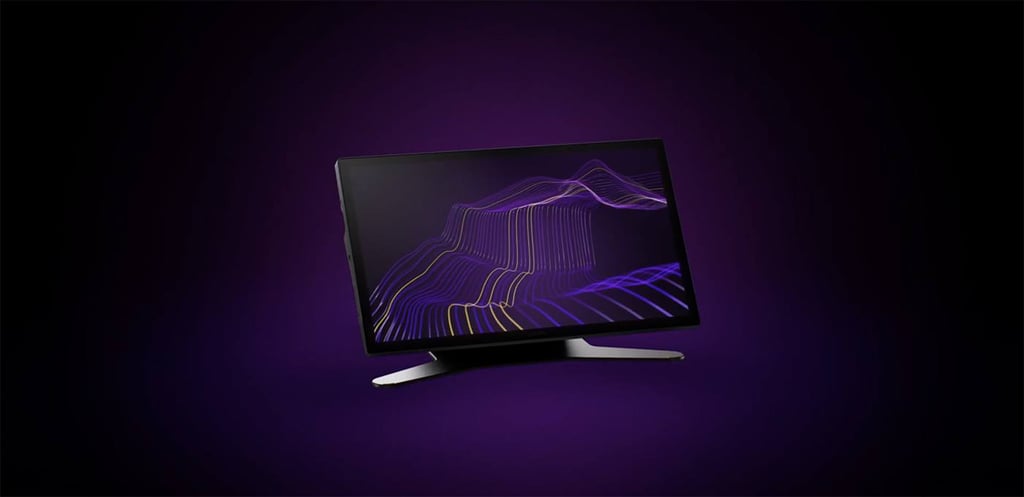
The Wacom Cintiq Pro 27 is part of Wacom’s long-established professional lineup. It is commonly used in studio environments where software compatibility and ecosystem consistency are priorities.
Key Considerations
- Often preferred in pipelines where Wacom devices are already standard
- Emphasis on consistency rather than newer display innovations
- Additional accessories may increase the overall setup cost
In practice, it remains a dependable choice for professionals who prioritize stability and integration within existing workflows over newer display advancements.
Huion Kamvas Pro 27
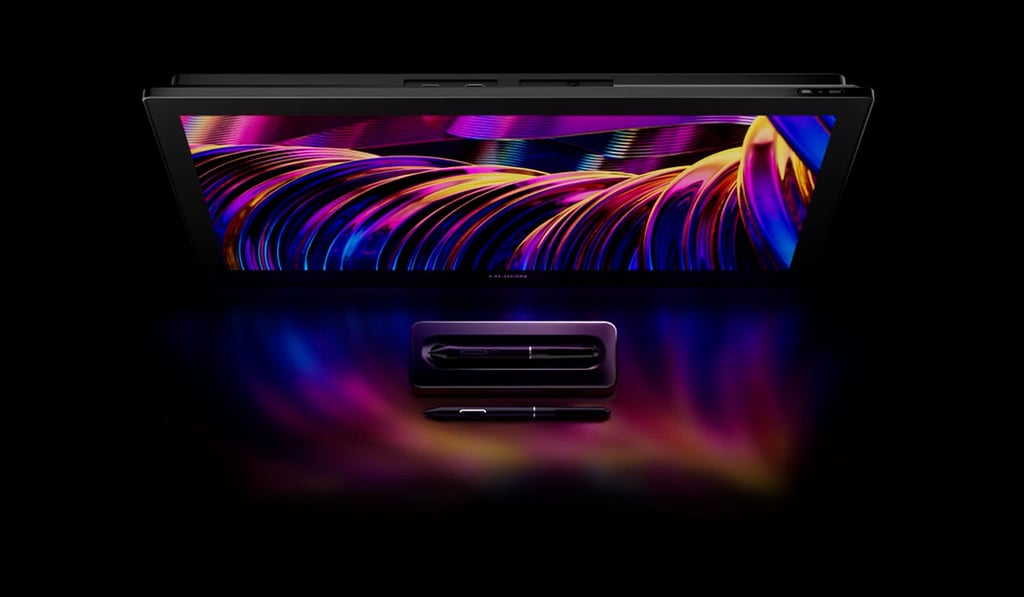
The Huion Kamvas Pro 27 targets users who want a large drawing surface with solid baseline performance at a more accessible price point.
Key Considerations
- Suitable for intermediate users upgrading from smaller tablets
- Covers most general creative workflows, but with fewer advanced features
- Trade-offs mainly in color performance and responsiveness
It offers a balanced entry into the 27-inch category, particularly for users who prioritize screen size and affordability over advanced specifications.
Final Verdict
Each of the three models addresses a slightly different segment of the professional market:
XPPen Artist Pro 27 (Gen 2) is suitable for users who prioritize display performance, color accuracy, and modern features such as higher refresh rates and customizable touch interaction.
Wacom Cintiq Pro 27 is appropriate for studio environments that rely on established hardware ecosystems and long-term workflow consistency.
Huion Kamvas Pro 27 is a practical option for users seeking a large-format display with balanced functionality at a lower entry cost.
From a specification and feature integration perspective, the XPPen model introduces several newer elements—particularly in refresh rate, color calibration, and included accessories—that may be relevant for users evaluating long-term efficiency and workflow flexibility.
FAQ
Is a 27-inch drawing tablet necessary for professional work?
Not strictly necessary, but it can improve efficiency for tasks involving complex compositions, multi-window workflows, or detailed illustration.
Does refresh rate affect drawing performance?
Higher refresh rates can improve perceived smoothness and reduce visual lag, particularly during fast strokes.
How important is color accuracy?
For workflows involving printing, branding, or film production, accurate color representation is essential to avoid inconsistencies across devices.