
Beyond Static Images: How AI Is Transforming Photos Into Short-Form Video Content
AI video tools are now changing how people create content online. With AI, creators can quickly turn static images into short videos in a few simple steps. This makes content creation faster and easier for many users.
In this blog post, we’ll explore how AI is transforming static images into short videos and share the best practices for overcoming limitations in AI photo animation.
The Shift From Static Images to AI-Generated Video Content
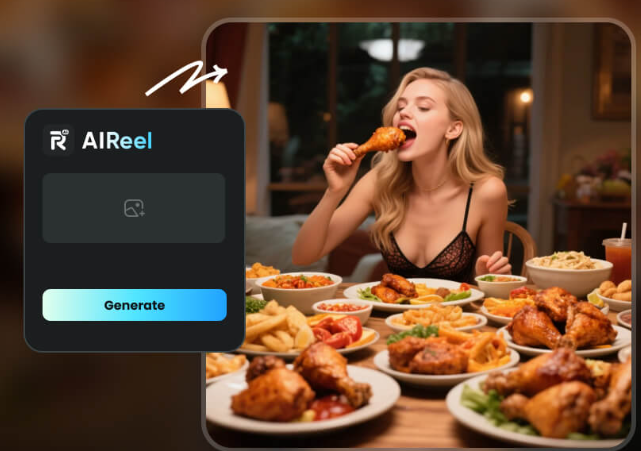
Static images are no longer enough for modern digital platforms, as users now expect more dynamic and engaging visual content. This shift has made short-form video the dominant way people share ideas and stories online. As a result, AI photo animation tools like AIReel are emerging to bridge this gap by turning still visuals into motion-based content.
This shift is also changing how creators and businesses produce content at scale. Instead of relying on manual editing, they can now use AI tools to quickly transform images into short videos, improving both efficiency and audience engagement across platforms.
How to Animate a Photo with AI Safely and Effectively
Choosing the right tool is an important step in creating high-quality AI videos. Not all platforms offer the same level of control, output quality, or safety. AIReel is one example of these AI video generators designed to simplify this process while keeping results stable and usable for real production needs.
When learning how to animate a photo with AI, it is important to focus on both ease of use and output consistency. AIReel helps users turn static images into short videos with a simple workflow that reduces technical barriers.
Here are some of the key advantages of using this platform:
- High-Speed Processing: Turn your photos into smooth video files in just seconds.
- User-Friendly Layout: Clear buttons and options make it easy for complete beginners to navigate.
- Data Protection: Safe cloud systems ensure your private photos are never leaked or shared.
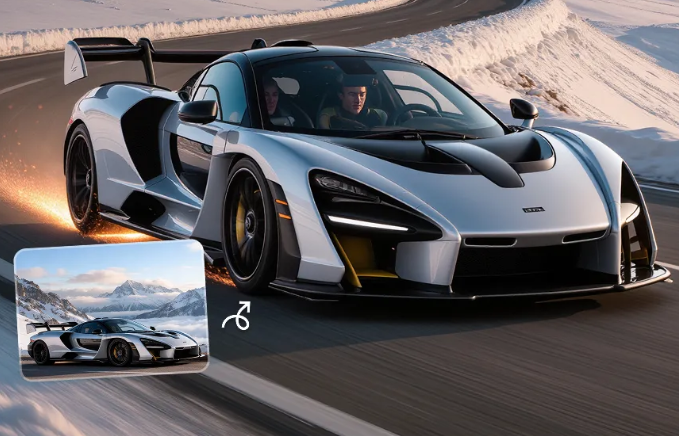
- Diverse Motion Templates: Choose from various cinematic camera movements, including zoom, pan, and orbital rotation, to match your creative vision.
- Realistic HD Quality: Output animations are clear, crisp, and look highly natural without artificial motion blur.
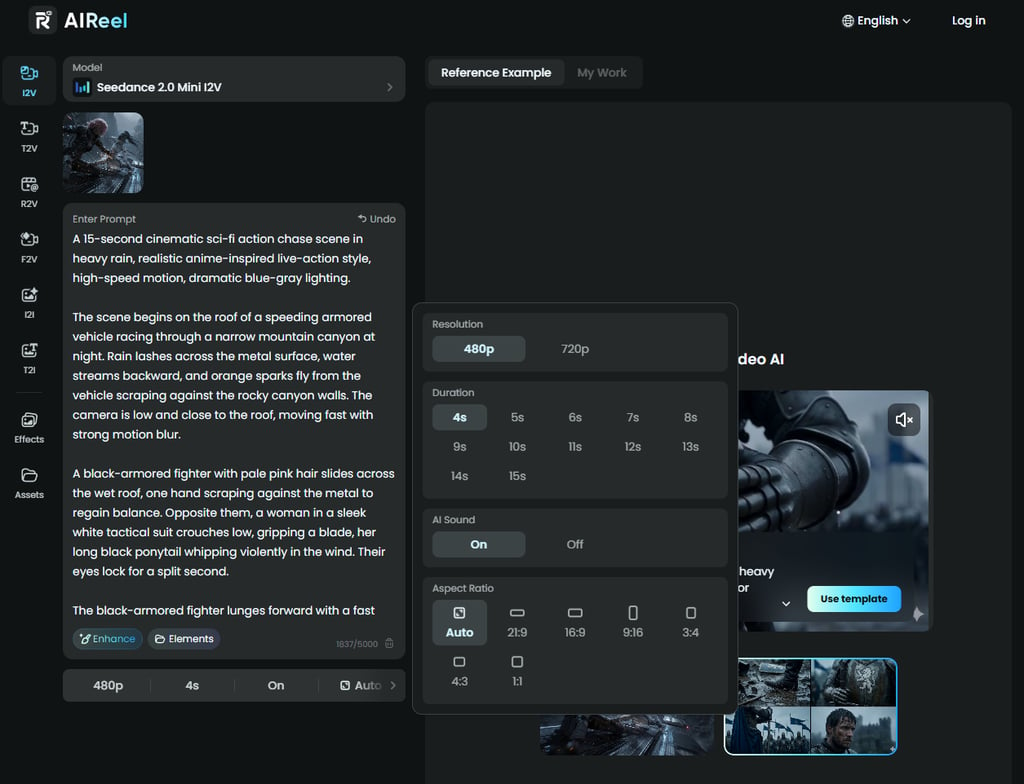
- Multi-Model Support: It integrates advanced rendering models like Seedance 2.0 to handle complex bodily shapes and movements seamlessly.
To turn a photo into video AI safely, you can follow these simple steps:
- Upload Your Image: On the website, upload your static photo into the generator.
- Enter Prompts: Enter the prompts into the box that you want to generate for the video content. Here you can use the template.
- Adjust the Video: Then adjust the video resolution, duration, and aspect ratio.
- Generate and Export: Click the “Generate Now” button, watch the preview, and download your new video safely to your computer.
Best Practices for Overcoming Limitations in AI Photo Animation
While AI photo animation is powerful, it still has some limitations. These include motion inconsistencies, resolution issues, and a lack of fine control. Understanding these challenges helps users produce better results and avoid common mistakes.
Improve Input Image Quality
High-quality input images produce more stable and realistic animation results. Blurry or low-resolution images can lead to distorted motion output and reduce the overall visual consistency of the final video.
Choose Stable Motion Settings
Not all motion presets work well for every image. Selecting simple and stable animation settings helps avoid unnatural movement and ensures smoother, more realistic visual transitions.
Avoid Over-Animation
Too much motion can reduce realism in AI-generated videos. Keeping animations subtle and controlled often leads to more natural-looking results, especially in short-form content formats.
Use AI Tools with Consistent Rendering
Some platforms produce uneven results depending on server load or model variations. Choosing reliable tools with stable rendering systems improves output consistency and production quality.
Refine Output When Needed
Even with AI generation, minor editing is often required. Adjusting brightness, timing, or cropping can significantly improve the final video quality and make the content more polished.
Conclusion
Turning static images into engaging short videos is no longer a complex task reserved for professionals. With secure AI photo animation tools like AIReel and a few basic best practices, anyone can safely use AI to enhance digital storytelling and create more compelling content for modern audiences.